Salesforce Spring '26: Einstein Conversation Insights Goes Native - What Changes for Your Sales Reporting
Spring '26 moves Einstein Conversation Insights to standard Salesforce objects. Here's what changes for your reporting, automation, and competitive intelligence.
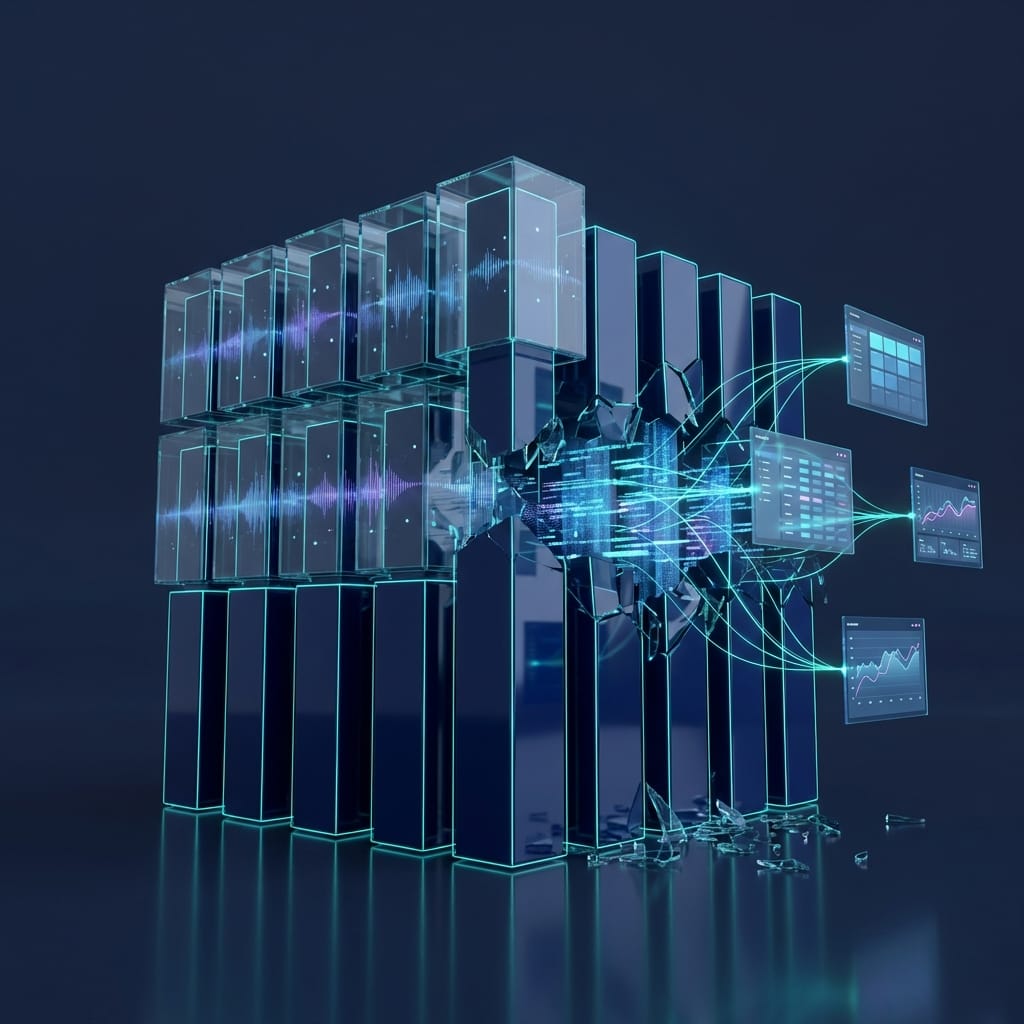
Salesforce just moved your sales call data out of a silo you probably didn't know existed.
Before Spring '26, Einstein Conversation Insights (ECI) stored every transcribed call, every detected keyword, every competitor mention in CRM Analytics custom objects. That data lived in a separate analytics layer, disconnected from the rest of your CRM. You could view it. You couldn't report on it with standard tools, automate against it with Flows, or join it to Opportunity records without workarounds.
Starting in January 2026, that changed. ECI data now lives on standard Salesforce objects. For sales operations leaders running $50/user/month for ECI licenses, this is the most consequential reporting upgrade in at least two years. Most teams haven't started planning for it.
What Einstein Conversation Insights Does (and Why It Was Limited)
ECI records, transcribes, and analyzes sales calls. It captures keywords, competitor mentions, objections, questions asked, and talk-to-listen ratios. It works with Zoom, Teams, Google Meet, Dialpad, RingCentral, and as of Spring '26, Gong transcripts.
The tool itself was never the problem. The data model was.
All of that call intelligence sat in CRM Analytics custom objects. A parallel data layer that required CRM Analytics dashboards to visualize and couldn't participate in standard Salesforce reporting, Flow automation, or Apex triggers. You had conversation intelligence in one window and your pipeline data in another, and the two didn't talk to each other without custom development.
That separation made ECI useful for individual call review but weak for systematic sales reporting. If you wanted a dashboard showing competitor mentions per deal stage, or a Flow that alerted a manager when a rep's talk ratio exceeded 70% across three consecutive calls, you were out of luck with native tools.
What's Actually Changing in Spring '26
New Customers (January 2026 Onward)
If your org activated ECI after January 2026, you're already on the new data model. Conversation data writes to standard objects by default. Standard Reports and Dashboards work immediately.
Existing Customers
Migration to standard objects begins Summer '26. The Analytics for Conversation Insights dashboards (the CRM Analytics-based ones) are retiring that same summer. If your team relies on those dashboards today, you need a rebuild plan before they disappear.
New Capabilities Worth Noting
- Up to 8 custom generative insights per call. You define the questions ECI answers about each conversation, beyond the default keyword and topic detection.
- Opportunity Closing Recaps. Auto-compiled summaries of win/loss reasons drawn from actual conversation content, not rep-entered picklist values.
- Gong transcript ingestion. If you're running Gong alongside ECI, Salesforce can now process those transcripts natively.
- Vendor transcript processing. Faster processing through Salesforce's pipeline, but irreversible. Once enabled, you can't switch back to local processing.
The Storage Reality
Here's the detail that catches teams off guard: conversation data on standard objects now counts toward your org's data storage limits. If you're recording hundreds of calls per week, run the storage math before migration. This isn't a dealbreaker, but it's a budget line item nobody had before.
Why This Matters for Reporting and Automation
The move to standard objects unlocks three capabilities that were previously impossible or impractical.
Standard Reports and Dashboards on Call Data
No more CRM Analytics requirement. Build conversation intelligence reports with the same report builder your team already uses. For organizations that have outgrown standard reports on pipeline data, this is a different story. ECI on standard objects actually makes standard reporting more powerful, not less.
Flow Automation Triggered by Call Content
This is where it gets interesting for revenue operations. You can now trigger Flows based on conversation data: keyword mentions, competitor flags, objection patterns. A Flow that fires when a specific competitor is mentioned three times in a week for the same Account isn't a custom development project anymore. It's a Flow with a record-triggered entry and a few conditions.
Cross-Object Reporting
Join conversation insights directly with Opportunity, Account, and Contact data. A single report that shows talk-to-listen ratio by deal stage, pricing objection frequency by account segment, or competitor mention trends alongside win rate. All built natively without data exports or middleware.
If you've ever run into the limitations of Salesforce custom reporting when trying to correlate activity data with pipeline outcomes, this is the exact gap that standard-object ECI closes.
Four Use Cases That Become Practical Now
These aren't theoretical. Each one is buildable with standard Salesforce tools now that ECI data lives on standard objects.
1. Competitor Intelligence Alerts
Create a Flow that monitors ECI records for competitor name mentions. When a specific competitor appears three or more times in a week across calls for the same Account, trigger an alert to the Account Executive and their manager. Pair it with a report showing competitor mention frequency by quarter, and you've got an early warning system that used to require Gong or Clari.
2. Deal Health Dashboard
Combine ECI talk-to-listen ratios and pricing objection counts with Opportunity stage data. A rep who talks 75% of the time in discovery calls has a different deal trajectory than one who listens 60% of the time. Surface that data by deal stage in a dashboard that sales managers check weekly, and coaching conversations get specific instead of anecdotal.
3. Automated Win/Loss Intelligence
The new Opportunity Closing Recaps pull reasons from actual conversations, not from whatever a rep selects in a dropdown after the fact. Schedule a weekly report that compiles Closing Recaps for all deals closed that week. In sixty days, you'll have more accurate win/loss data than most organizations accumulate in a year of manual entry.
4. Rep Coaching Scorecards
Aggregate per-rep metrics: average monologue length, question frequency, objection handling patterns, talk ratio trends over time. This data existed before, but getting it into a structured, comparable format required CRM Analytics dashboards and manual assembly. Now it's a standard report grouped by owner.
The Competitive Math: ECI vs. Gong
This conversation is inevitable, so let's address it directly.
ECI runs $50 per user per month. Gong typically costs around $194,000 per year for a 100-user organization. That's a significant pricing gap, and Spring '26 narrows the capability gap considerably.
Where ECI now wins: native data (zero sync lag, no data movement), standard-object reporting, Flow automation on call data, and Apex extensibility. For organizations already invested in Salesforce, the friction of adding ECI is dramatically lower than maintaining a separate conversation intelligence platform.
Where Gong still leads: real-time sentiment analysis, support for 70+ languages, and a more mature coaching and deal intelligence interface. If your sales team operates across multiple languages or your coaching program depends on Gong's specific UI, the switch isn't straightforward.
For a mid-market team doing 80% of its selling in English and already running Salesforce as its revenue system of record, ECI at $50/user is now a genuinely competitive option. That wasn't true six months ago.
What to Do Before Summer '26
If you're an existing ECI customer, the clock is ticking on the CRM Analytics dashboard retirement. Here's a practical sequence.
Audit your current ECI dashboards. Document which ones your team actually uses. Most orgs find that 60-70% of their dashboards haven't been viewed in 90 days. Don't rebuild what nobody looks at.
Estimate storage impact. Run a count of your historical conversation records and project forward. Factor this into your next Salesforce contract renewal conversation.
Plan your dashboard rebuilds. Rebuild the dashboards your team uses on standard Reports and Dashboards before the Summer '26 retirement. Start now. Don't wait until the retirement deadline.
Review your licensing. The new generative features (custom insights, Closing Recaps) require the Einstein for Sales add-on. Confirm whether your current licenses cover what you want to use.
Understand the irreversible choices. Vendor transcript processing is one-way. Once you enable it, there's no rollback. Test in a sandbox first.
For teams that need help architecting the reporting and automation layer around this migration, the work is straightforward but benefits from planning it properly. The worst outcome is rebuilding dashboards in a rush the week the old ones disappear.
The Bottom Line
Spring '26 doesn't make ECI a new product. It makes it a first-class citizen in your CRM. Conversation data that used to sit behind a separate analytics layer now lives where the rest of your revenue data lives. Reportable, automatable, and joinable with everything else.
The teams that move early on this will have competitor intelligence, coaching scorecards, and win/loss analysis running on native data before their competitors finish evaluating the feature. The ones who wait will be rebuilding dashboards under deadline pressure in August.
The change is coming either way. The question is whether you architect around it now or react to it later.
Ready to eliminate manual gaps in your revenue process?
Book a free systems audit and we'll map exactly where automation can save your team hours every week.
Book a Systems AuditRelated articles
Picking Your Post-CPQ Path for Mid-Market RevOps: Revenue Cloud, Composable, or Wrap-with-Agents
Salesforce CPQ went end-of-sale. Choose between Revenue Cloud, composable, and wrap-with-Agents using a four-axis framework built for mid-market RevOps.
Read Article →
Lightning Sync to Einstein Activity Capture: a 4-sprint migration playbook for mid-market RevOps
Salesforce retires Lightning Sync in August 2026. Migrate to Einstein Activity Capture without breaking dashboards: a 4-sprint playbook for mid-market RevOps.
Read Article →