Why Salesforce custom reporting can't answer 'why' — and what to build instead
It's Monday morning. Leadership wants to know why pipeline conversion dropped 18% last quarter.
Your RevOps team opens Salesforce. They pull three reports, export them to CSV, paste them into a shared spreadsheet, and spend the next two hours merging columns and building pivot tables. By the time they have something that resembles an answer, the leadership meeting is over — and nobody is confident the numbers are right anyway.
This is not a data problem. Salesforce has more data than ever. This is an architecture problem. And the fix isn't a new dashboard or a fancier report type.
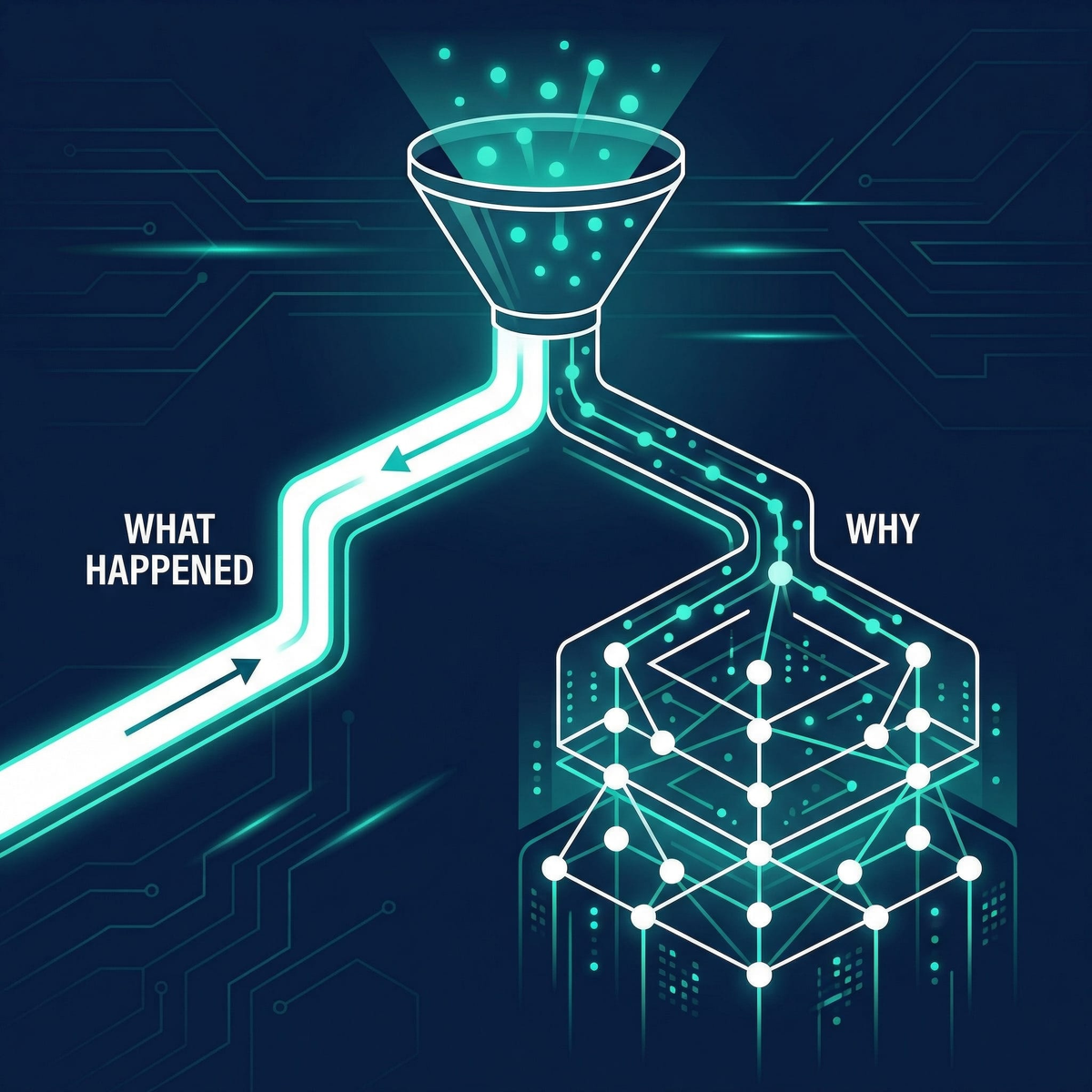
Salesforce custom reporting was designed to answer what — and it does that well. The mistake is expecting it to answer why. The gap isn't a feature request; it's an architectural boundary. And the solution isn't to bolt on another tool — it's to architect a reporting layer that separates operational views (what Salesforce does well) from analytical views (what requires purpose-built data architecture).
What Salesforce reports actually do well
Native Salesforce reports are excellent at operational visibility. Open pipeline by rep. Leads by source this month. Activity volume by team. Current-quarter forecast by stage. Cases by priority. These are what questions — show me the current state of my records — and Salesforce answers them fast, without needing a data engineer or a BI tool.
The report builder is deliberately accessible. A Sales Ops manager can build a meaningful pipeline report in 20 minutes without writing a line of code. Dashboards can be shared org-wide. That democratisation of data visibility is genuinely valuable.
The problem surfaces the moment leadership stops asking "what" and starts asking "why."
Five questions Salesforce reports cannot answer
1. Why did we lose that deal?
A VP of Sales comes to you after losing a $400K opportunity. She wants to understand what happened.
You open the Opportunity record. Stage = Closed Lost. Loss Reason = Competitor. That's it. That's the extent of what native reporting can surface.
There's no visibility into how long the deal sat at each stage, when and why the close date shifted (and how many times), which stakeholders were actually engaged, or what activity patterns preceded the loss compared to deals you won at similar values. The Opportunity History report shows stage changes, not the context around them. Field History Tracking logs field-level edits but isn't joinable into a coherent narrative.
The team exports activity history, email logs, and opportunity field history into a spreadsheet and manually reconstructs the timeline. By the time the analysis is complete, the same pattern has already repeated on three other deals.
The architectural reason: Salesforce's report engine is a tabular view of records. It wasn't built for cross-object narrative analysis or causal correlation. It shows you what changed — not why those changes led to that outcome.
2. Where exactly does pipeline stall?
A Director of RevOps suspects deals are dying at the Proposal stage. She wants to find every deal that entered Proposal in the last six months and was still there 45 days later.
She immediately hits three walls.
The Stage Duration field only reflects the current stage. Every time an opportunity moves, the clock resets. There's no native record of how long a deal spent at Proposal three stages ago. Historical Trend Reporting looks back only three months, supports a maximum of eight fields, excludes formula fields, and caps at five snapshot dates — not enough granularity to identify a stall pattern. Reporting Snapshots are capped at 2,000 rows, and her pipeline exceeds that.
She ends up building a custom Flow to timestamp stage entries into a custom object and reporting on that instead. A bespoke data pipeline, built from scratch, just to answer a basic operational question.
The architectural reason: Salesforce's historical data structures were designed for compliance and audit trails, not analytical cohort analysis. "Of the 200 deals that entered Proposal in Q3, how many are still there 45+ days later, and what do they have in common?" is a time-series cohort question. The native report engine doesn't support it.
3. Which marketing channel actually closes revenue?
The CMO and CRO sit down for quarterly planning. The CMO presents: LinkedIn campaigns drove 120 MQLs. The CRO pulls up Salesforce: $1.2M in closed-won deals last quarter. Neither of them can connect the two numbers.
Salesforce Campaign Influence offers two attribution models: Even-Distribution (splits credit equally across all campaign touchpoints) and Last-Touch (gives 100% credit to the final touchpoint). Neither reflects reality. Even-Distribution dilutes signal. Last-Touch ignores the campaign that actually generated interest.
Answering the real question — which campaign touchpoints correlate with closed revenue in our enterprise segment? — requires traversing Campaigns, Campaign Members, Contacts, Contact Roles, Opportunities, and Accounts. Six objects. A custom report type supports four.
They leave the meeting with different spreadsheets, different numbers, and no agreement on where to invest Q2 budget.
4. Why did forecast accuracy drop?
Comparing this quarter's forecast accuracy against last quarter's requires point-in-time snapshots — what deals were in what stages, at what values, on a specific date. Historical Trend Reporting's three-month lookback makes any meaningful quarter-over-quarter comparison structurally impossible for teams that want to go back further. And because formula fields are excluded, any calculated fields your forecast methodology depends on won't appear in the historical view at all.
5. What actually changed between last year and this year?
Understanding how pipeline composition, deal velocity, or win rates have shifted over 12 months requires row-level historical data that Salesforce's Reporting Snapshots can't store at mid-market pipeline volumes. The 2,000-row cap is a hard ceiling, not a configuration option.
What most teams do — and why it makes things worse
When native reports hit their limits, three workarounds emerge. All three have real costs.
The first is exporting to Excel. Pull three reports, merge them manually, build a pivot table. Browser exports silently truncate at 2,000 rows, version control breaks down immediately ("which spreadsheet is current?"), and the analysis is stale before it's finished. Every hour a RevOps leader spends in spreadsheets is an hour not spent on strategy.
The second is buying CRM Analytics. Salesforce's native analytics platform is genuinely powerful for the right organisations. It's also a significant investment — per-user licensing on top of existing Salesforce spend, plus the implementation complexity and the need for a dedicated analytics resource to maintain it. For a mid-market company that wants to answer "why did pipeline drop 30% this month," the cost rarely makes sense.
The third is building custom Apex or Flows. As the Proposal-stage scenario above shows, teams sometimes architect bespoke data pipelines inside Salesforce just to answer questions the native reporting engine can't handle. These solutions work, but they're fragile, hard to document, and accumulate as technical debt that slows down every future change.
What to build instead: the analytical layer
Operational reporting stays in Salesforce. Pipeline by rep, activity volume, lead source distribution, current-quarter forecast — Salesforce handles all of this well. Leave it there.
Analytical reporting needs a purpose-designed layer. Three options, from lightest to most robust:
Custom objects and Flows inside Salesforce is the lowest-friction starting point. Architect a set of analytical objects — an Opportunity Stage Snapshot, a Pipeline Velocity record, a Campaign Attribution log — and use scheduled Flows to populate them. Reports run on these analytical objects, which hold the historical and computed data the native record model doesn't. No new tools, no additional licensing. The trade-off: requires thoughtful architecture upfront and ongoing maintenance discipline.
A lightweight data warehouse with a BI tool handles everything the first option can't. Export Salesforce data nightly into BigQuery or Snowflake, then connect Tableau, Looker, or Power BI on top. Cohort analysis, multi-touch attribution, time-series trending at any scale — all native. The trade-off: adds tooling and cost, and requires someone who can model data.
CRM Analytics makes sense for organisations already running a large Salesforce footprint with dedicated analytics headcount and the budget to match. It's tightly embedded in the platform, supports Salesforce-native data without ETL, and scales well. For most mid-market companies, it's more than what's needed — but for the right profile, it's the right answer.
If you've been hitting walls trying to get Salesforce reports to answer analytical questions, the first option is usually where to start. It's the kind of Salesforce reporting architecture work that takes a few days to set up correctly and eliminates the recurring export-to-Excel tax for good.
How to start this week
Audit your top five unanswered questions. Write them down. For each, ask: is this a what question (current state of records) or a why question (causal, comparative, time-series)? You'll probably find two or three critical questions that have never been properly answered — just approximated in spreadsheets.
Map the objects each "why" question requires. Which Salesforce objects need to be involved to answer it? If the answer is more than four, you've found the architectural reason the native report engine can't help.
Create one analytical custom object this week. An Opportunity Stage Snapshot is the highest-value starting point for most RevOps teams. Set up a scheduled Flow to write a daily record per open opportunity and run your stage-duration analysis on that object instead of the Opportunity itself. The first time you see a clean cohort view, it'll be obvious why this was worth doing.
Stop reaching for an Excel export as your default analytical workflow. Every time you do, ask: is this a problem we should solve once, architecturally, rather than work around every week?
The actual conversation to have
Salesforce reports aren't broken. They were designed for operational visibility, and they deliver it reliably. The problem is that revenue questions have outgrown what the report engine was built to handle.
If you've outgrown Salesforce's standard reports and find yourself answering leadership's "why" questions with spreadsheet gymnastics, the answer isn't a better dashboard. It's a reporting architecture that matches the right infrastructure to the right question.
If you're not sure where your current setup has gaps, a systems audit is the fastest way to find out. We'll map what your reports can and can't answer today, and show you exactly what to architect to close the gap.
Ready to eliminate manual gaps in your revenue process?
Book a free systems audit and we'll map exactly where automation can save your team hours every week.
Book a Systems AuditRelated articles

Salesforce Spring '26: Einstein Conversation Insights Goes Native - What Changes for Your Sales Reporting
Spring '26 moves Einstein Conversation Insights to standard Salesforce objects. Here's what changes for your reporting, automation, and competitive intelligence.
Read Article →
5 Signs You've Outgrown Standard Salesforce Reports
If you're exporting to Excel just to answer 'Why?', your system is broken.
Read Article →